map.army Tutorials for Intermediate Users
You can place symbols and save a layer. These tutorials combine several tools into complete planning tasks: exercises, overlays, own maps and data, briefing products.
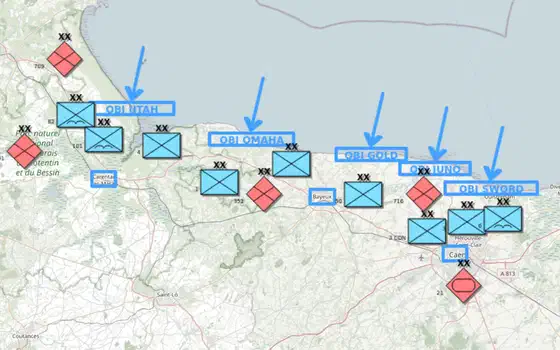 Map the D-Day landings
Map a historical battle: the Allied landings in Normandy on 6 June 1944, with one layer per side, each division labelled with its number, corps and …
Map the D-Day landings
Map a historical battle: the Allied landings in Normandy on 6 June 1944, with one layer per side, each division labelled with its number, corps and …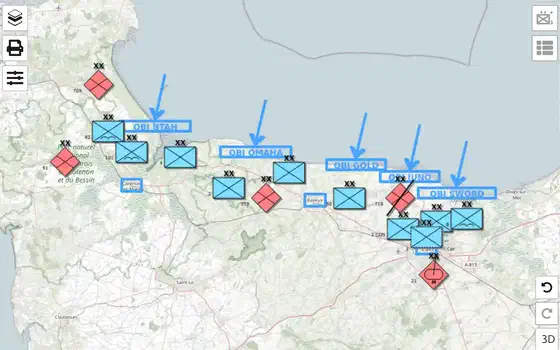 Update the situation
Bring the D-Day map up to the evening of 6 June 1944: mark a German division’s losses, give the 21st Panzer Division a more exact symbol, show its …
Update the situation
Bring the D-Day map up to the evening of 6 June 1944: mark a German division’s losses, give the 21st Panzer Division a more exact symbol, show its …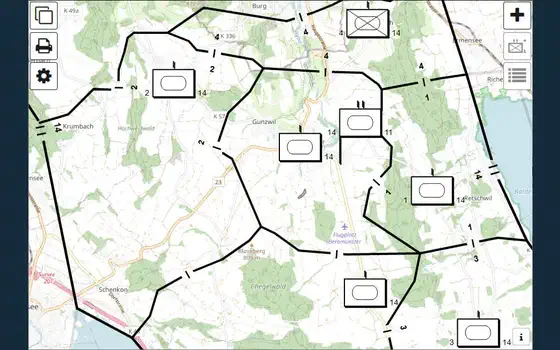 Work together on a shared map
Put your situation map online as a MilX Share, give viewers and editors each their own link, save new versions, follow what others change and go back …
Work together on a shared map
Put your situation map online as a MilX Share, give viewers and editors each their own link, save new versions, follow what others change and go back …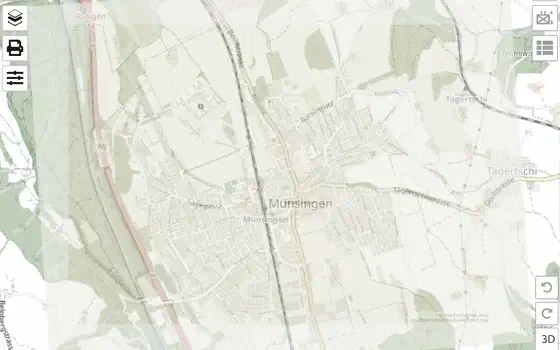 Add your own maps
Put your own map under the overlay: a scanned paper map, a sketch, an aerial image or a map from a GIS. You fit it to the base map once and reuse the …
Add your own maps
Put your own map under the overlay: a scanned paper map, a sketch, an aerial image or a map from a GIS. You fit it to the base map once and reuse the …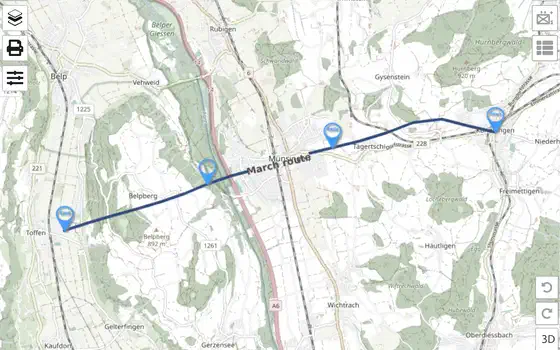 Load vector layers
Load a recorded GPX track into the map as a vector layer, then convert it into a MilX® march route whose points and waypoints you can edit like any …
Load vector layers
Load a recorded GPX track into the map as a vector layer, then convert it into a MilX® march route whose points and waypoints you can edit like any …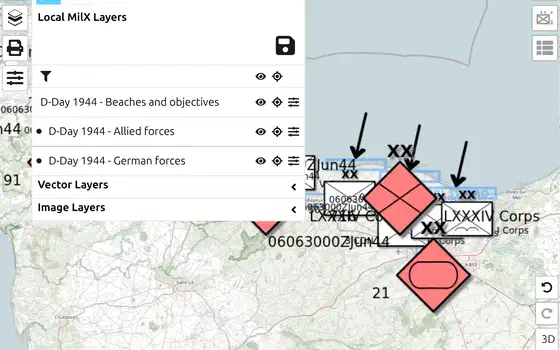 Organise layers
Keep friendly forces, enemy forces and control measures on separate layers, put them in order, make a copy for the next phase, and lock the approved …
Organise layers
Keep friendly forces, enemy forces and control measures on separate layers, put them in order, make a copy for the next phase, and lock the approved …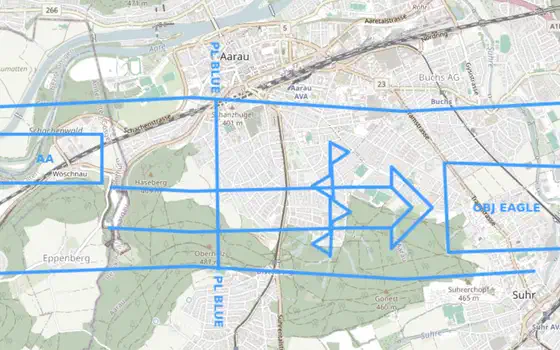 Print an overlay
Print your situation on transparent foil at the scale of your paper map, with two reference points so the foil lands exactly on the right grid …
Print an overlay
Print your situation on transparent foil at the scale of your paper map, with two reference points so the foil lands exactly on the right grid …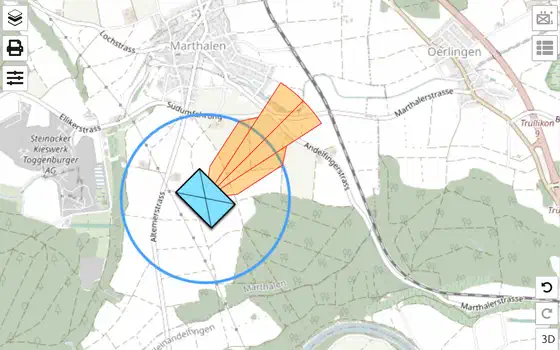 Plan a live-fire range
Sketch a live-fire range for a briefing: a firing position, a ring for its reach, a Safety Distance Zone in the direction of fire, and a measurement …
Plan a live-fire range
Sketch a live-fire range for a briefing: a firing position, a ring for its reach, a Safety Distance Zone in the direction of fire, and a measurement …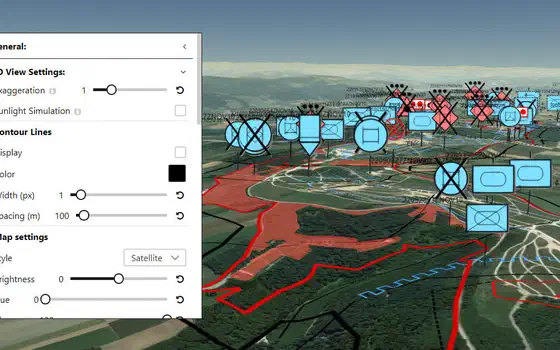 Terrain analysis (OAKOC)
Work through the ground of your area of operations factor by factor and end with one layer that shows where forces can move, where they are blocked, …
Terrain analysis (OAKOC)
Work through the ground of your area of operations factor by factor and end with one layer that shows where forces can move, where they are blocked, …