map.army Tutorials for Beginners
New to map.army? Start here. Each tutorial takes one small goal from a blank map to a result you can save or share. No prior knowledge of the app needed.
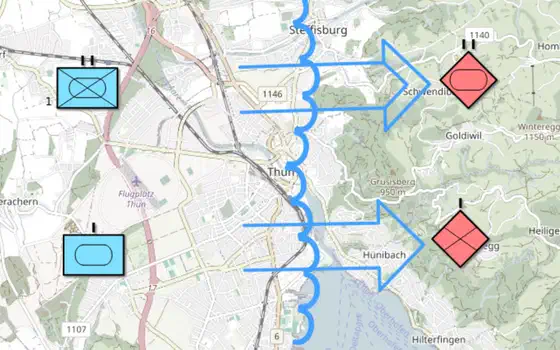 Make a war map
 in the browser: place friendly and hostile units, draw the front line and attack arrows, label the units, then export the map as an …
Make a war map
Make a war map in the browser: place friendly and hostile units, draw the front line and attack arrows, label the units, then export the map as an …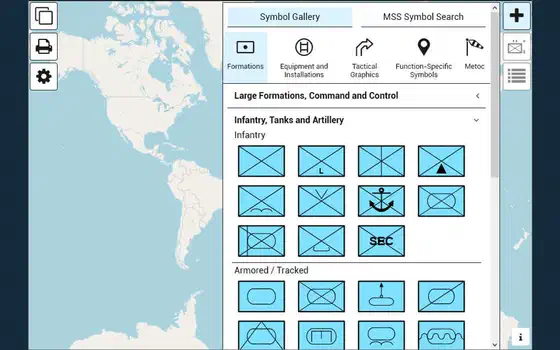 Pins and text boxes
Add notes to the map with pins and text boxes. Their content is stored and exchanged with the layer in MilX®.
Pins and text boxes
Add notes to the map with pins and text boxes. Their content is stored and exchanged with the layer in MilX®.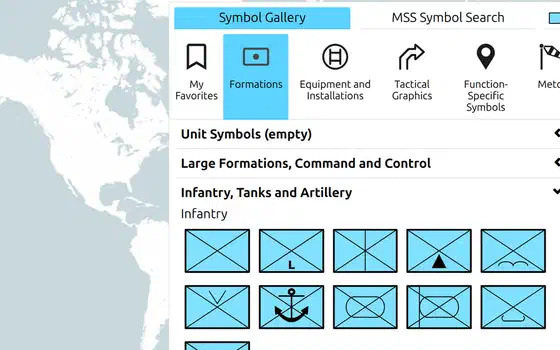 Emoji in text modifiers
Every text modifier of a unit symbol or tactical graphic accepts emoji - a quick way to mark what matters.
Emoji in text modifiers
Every text modifier of a unit symbol or tactical graphic accepts emoji - a quick way to mark what matters.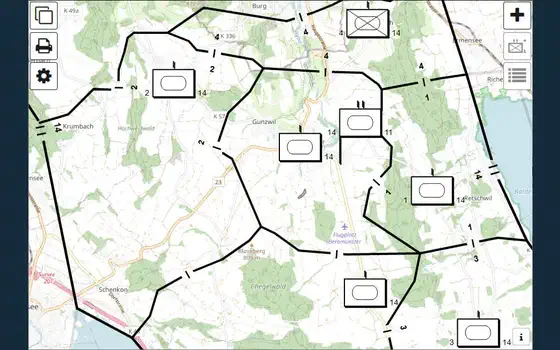 Share a map
Create a share link to exchange a situation map by URL, and get the code to show it in a web page.
Share a map
Create a share link to exchange a situation map by URL, and get the code to show it in a web page.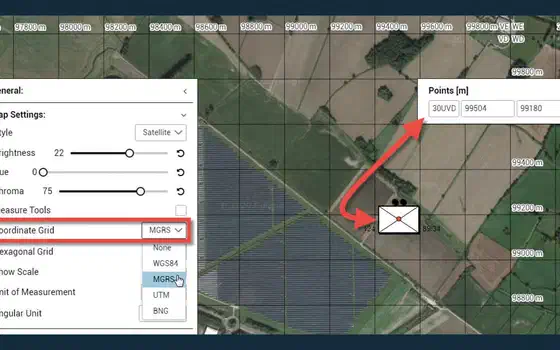 Read an MGRS reference
Show the MGRS grid on the map, read a position as a grid reference such as 32TLT 81602 00383, copy it for a report, and find a reference that someone …
Read an MGRS reference
Show the MGRS grid on the map, read a position as a grid reference such as 32TLT 81602 00383, copy it for a report, and find a reference that someone …