map.army Tutorials: Build Military Maps Step by Step
Hands-on tutorials that walk you through complete tasks in map.army, from a blank map to a finished, shareable tactical situation. For reference on every tool and setting, see the map.army documentation.

Looking up a single tool or setting? The map.army documentation describes every function in detail.
Pick your level: Beginner if you are new to the app, Intermediate for complete planning tasks, Expert for integration and data exchange.
Quick start: from beginner to expert
17 tutorials · about 5 h 30 min in total · do them in order or jump to your level
Start with tutorial 1 New to map.army? Start here. Each tutorial takes one small goal from a blank map to a result you can save or share. No prior knowledge of the app needed. You can place symbols and save a layer. These tutorials combine several tools into complete planning tasks: exercises, overlays, own maps and data, briefing products. For users who integrate map.army into their own environment: web pages and portals, own map services, data exchange with C2 systems, and AI-assisted situation layers.Beginner
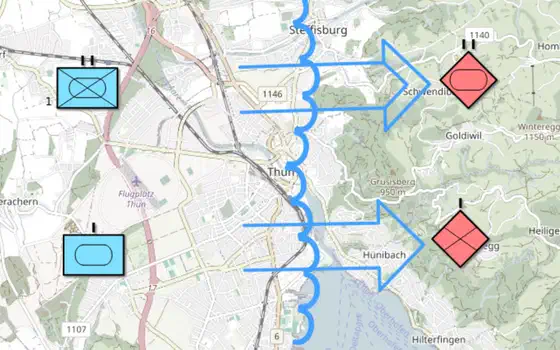 Make a war map
 in the browser: place friendly and hostile units, draw the front line and attack arrows, label the units, then export the map as an …
Make a war map
Make a war map in the browser: place friendly and hostile units, draw the front line and attack arrows, label the units, then export the map as an …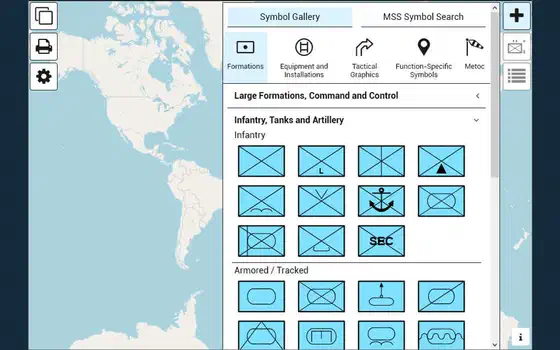 Pins and text boxes
Add notes to the map with pins and text boxes. Their content is stored and exchanged with the layer in MilX®.
Pins and text boxes
Add notes to the map with pins and text boxes. Their content is stored and exchanged with the layer in MilX®.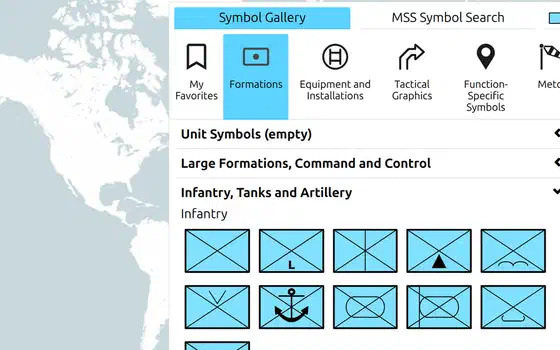 Emoji in text modifiers
Every text modifier of a unit symbol or tactical graphic accepts emoji - a quick way to mark what matters.
Emoji in text modifiers
Every text modifier of a unit symbol or tactical graphic accepts emoji - a quick way to mark what matters.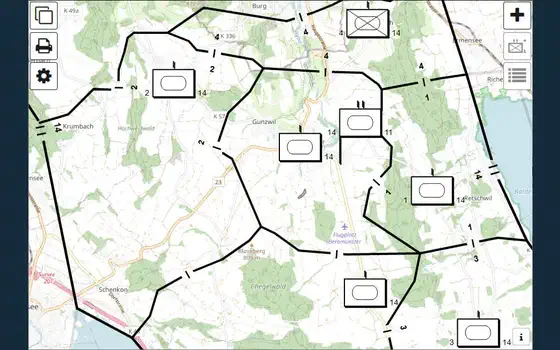 Share a map
Create a share link to exchange a situation map by URL, and get the code to show it in a web page.
Share a map
Create a share link to exchange a situation map by URL, and get the code to show it in a web page.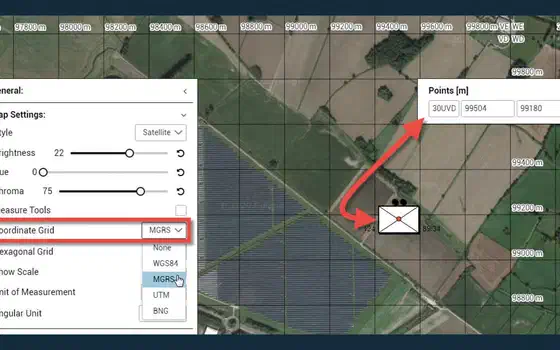 Read an MGRS reference
Show the MGRS grid on the map, read a position as a grid reference such as 32TLT 81602 00383, copy it for a report, and find a reference that someone …
Read an MGRS reference
Show the MGRS grid on the map, read a position as a grid reference such as 32TLT 81602 00383, copy it for a report, and find a reference that someone …Intermediate
 Map the D-Day landings
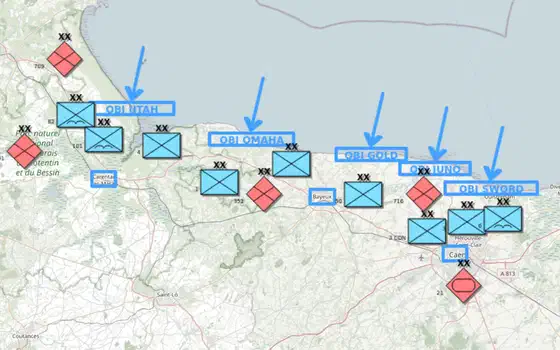
Map a historical battle: the Allied landings in Normandy on 6 June 1944, with one layer per side, each division labelled with its number, corps and …
Map the D-Day landings
Map a historical battle: the Allied landings in Normandy on 6 June 1944, with one layer per side, each division labelled with its number, corps and …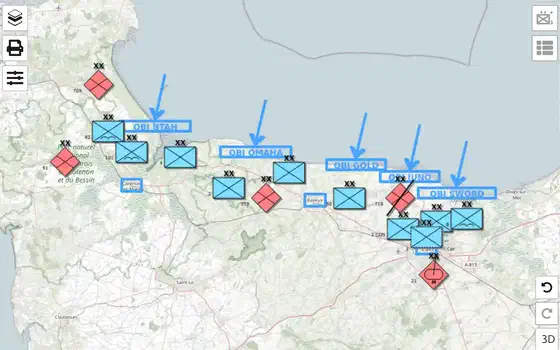 Update the situation
Bring the D-Day map up to the evening of 6 June 1944: mark a German division’s losses, give the 21st Panzer Division a more exact symbol, show its …
Work together on a shared map
Put your situation map online as a MilX Share, give viewers and editors each their own link, save new versions, follow what others change and go back …
Update the situation
Bring the D-Day map up to the evening of 6 June 1944: mark a German division’s losses, give the 21st Panzer Division a more exact symbol, show its …
Work together on a shared map
Put your situation map online as a MilX Share, give viewers and editors each their own link, save new versions, follow what others change and go back …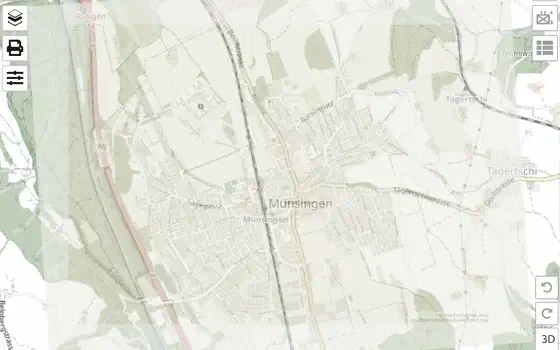 Add your own maps
Put your own map under the overlay: a scanned paper map, a sketch, an aerial image or a map from a GIS. You fit it to the base map once and reuse the …
Add your own maps
Put your own map under the overlay: a scanned paper map, a sketch, an aerial image or a map from a GIS. You fit it to the base map once and reuse the …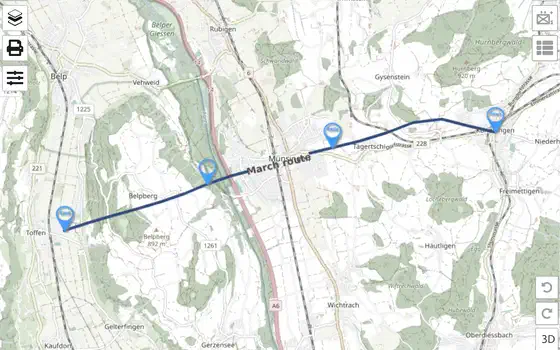 Load vector layers
Load a recorded GPX track into the map as a vector layer, then convert it into a MilX® march route whose points and waypoints you can edit like any …
Load vector layers
Load a recorded GPX track into the map as a vector layer, then convert it into a MilX® march route whose points and waypoints you can edit like any …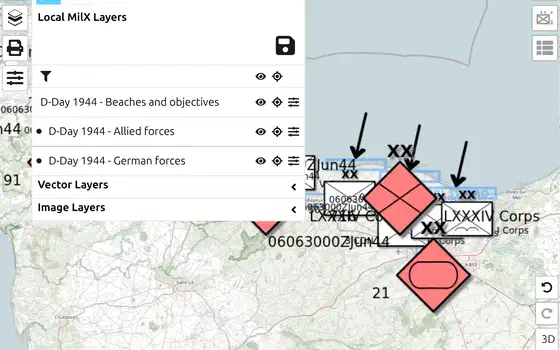 Organise layers
Keep friendly forces, enemy forces and control measures on separate layers, put them in order, make a copy for the next phase, and lock the approved …
Organise layers
Keep friendly forces, enemy forces and control measures on separate layers, put them in order, make a copy for the next phase, and lock the approved …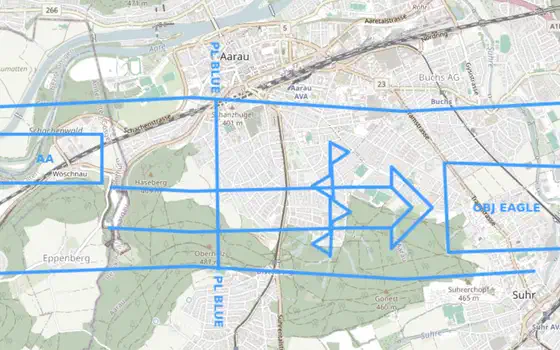 Print an overlay
Print your situation on transparent foil at the scale of your paper map, with two reference points so the foil lands exactly on the right grid …
Print an overlay
Print your situation on transparent foil at the scale of your paper map, with two reference points so the foil lands exactly on the right grid …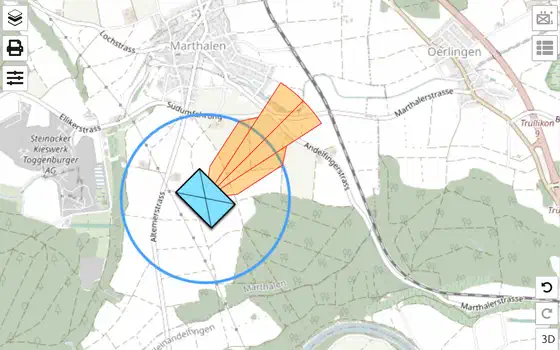 Plan a live-fire range
Sketch a live-fire range for a briefing: a firing position, a ring for its reach, a Safety Distance Zone in the direction of fire, and a measurement …
Plan a live-fire range
Sketch a live-fire range for a briefing: a firing position, a ring for its reach, a Safety Distance Zone in the direction of fire, and a measurement …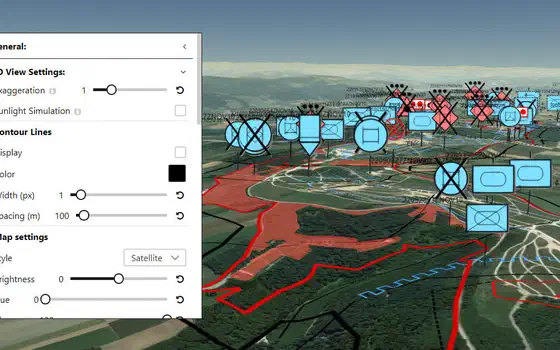 Terrain analysis (OAKOC)
Work through the ground of your area of operations factor by factor and end with one layer that shows where forces can move, where they are blocked, …
Terrain analysis (OAKOC)
Work through the ground of your area of operations factor by factor and end with one layer that shows where forces can move, where they are blocked, …Expert
AI agent: terrain analysis
Give an AI agent an area and a mission, and get back a .milxlyz file with obstacles, avenues of approach, key terrain and observation already drawn — …
NVG exchange with C2
Send your overlay to a command-and-control system as NVG, take the other side’s overlay in, and make sure nothing was lost or misplaced on the way.
Embed in a web page
Put map.army into a web page or blog with a few lines of code, and load MilX® layers straight from a URL parameter.