map.army: Military Map and Tactical Map Docs
map.army is a browser-based tactical map for planning, briefing and sharing military situations, with MIL-STD-2525C symbols, MilX® layers and NVG (ADatP-4778) exchange. Use it free online, or install it with its own services inside your network.

Start from your task: the task finder maps military tasks (range fan, operation overlay, scaled PDF briefing, NVG exchange, sharing a COP) to the right tool.
Common tasks
Browse by topic
Getting Started
Start map.army in your browser, get oriented in the main window, and place your first MIL-STD-2525 military symbol — no install or setup required.
Layers
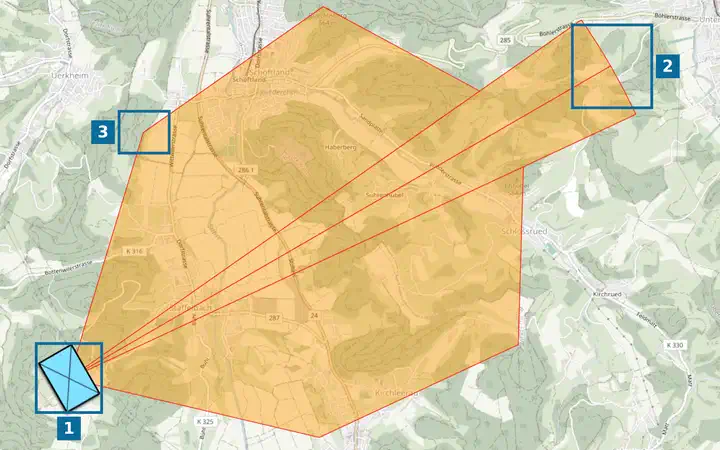
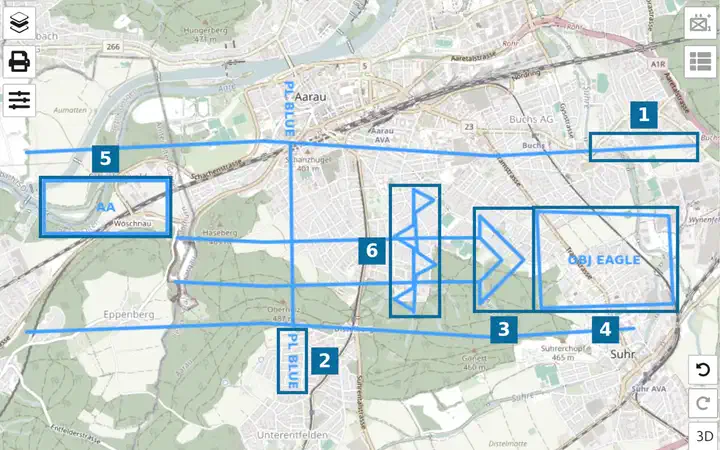
Working with layers in map.army to organise tactical situations — layer management and MilX as the primary in-app format.
Military Symbols
Create, place, and modify MIL-STD-2525 military symbols — browse the MSS catalogue, set affiliation and echelon, and tune modifiers in the Symbol Editor.
Base Maps
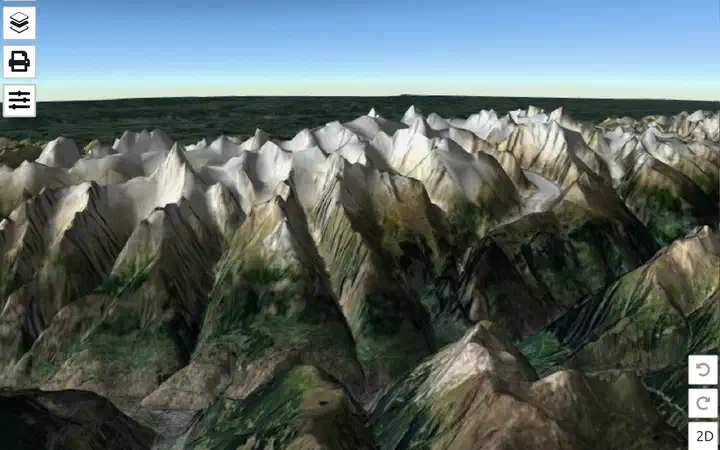
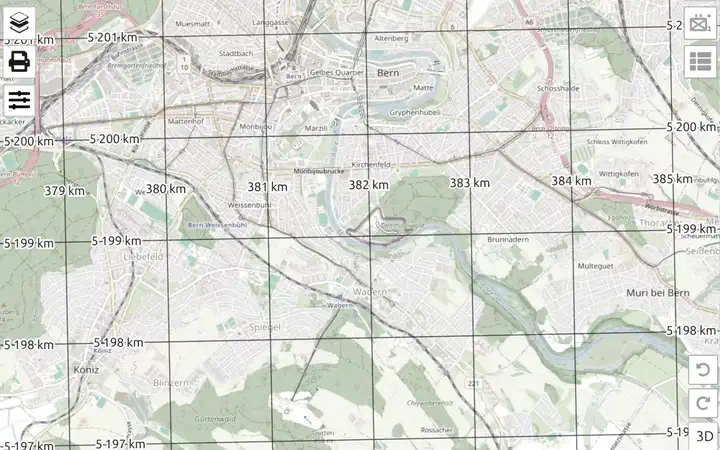
Choose a base map, switch between the 2D and 3D view and lay MGRS, UTM or WGS84 coordinate grids over your military map in map.army.
Map Tools
Tools for working with the map canvas in map.army — coordinate search, measurement, range rings, and the magnetic-declination compass aid.
Options
Configure map.army to suit your workflow — unit system, coordinate display (MGRS, UTM, lat/long), default base map, coordinate grid, and map tools.
Export and Print
Print your tactical map or export it to a print-ready PDF from MAP.ARMY — choose the scale, select layers, and produce a file for briefings or field use.
Data-Exchange
Exchange tactical map data with other planners and systems using MilX Share, KML for Google Earth and GIS tools, and NVG for NATO interoperability.
Tips and Tricks
Advanced recipes, workflow shortcuts, and practical tips for map.army — time-saving techniques and wisdom gathered from planners and exercise staff.
Installation
Install map.army as a PWA on Windows, macOS, Linux, Android or iOS — no app store, own window, .milxlyz file association, and what installing does not add.
About
Browser compatibility, supported operating systems, the MAP.ARMY glossary, FAQ, performance notes, and how to update the app — all in one place.